

PDF
Deck
Insights Pro — Sales Deck
The customer-facing pitch. Use end-to-end or pull individual slides.
4.2 MB · Updated May 26
This is your single source of truth for the upcoming launch — the brief, messaging, FAQs, training, and assets. When customers start asking about Insights Pro, the answer will be on this page.
I'm here for…
The Brief
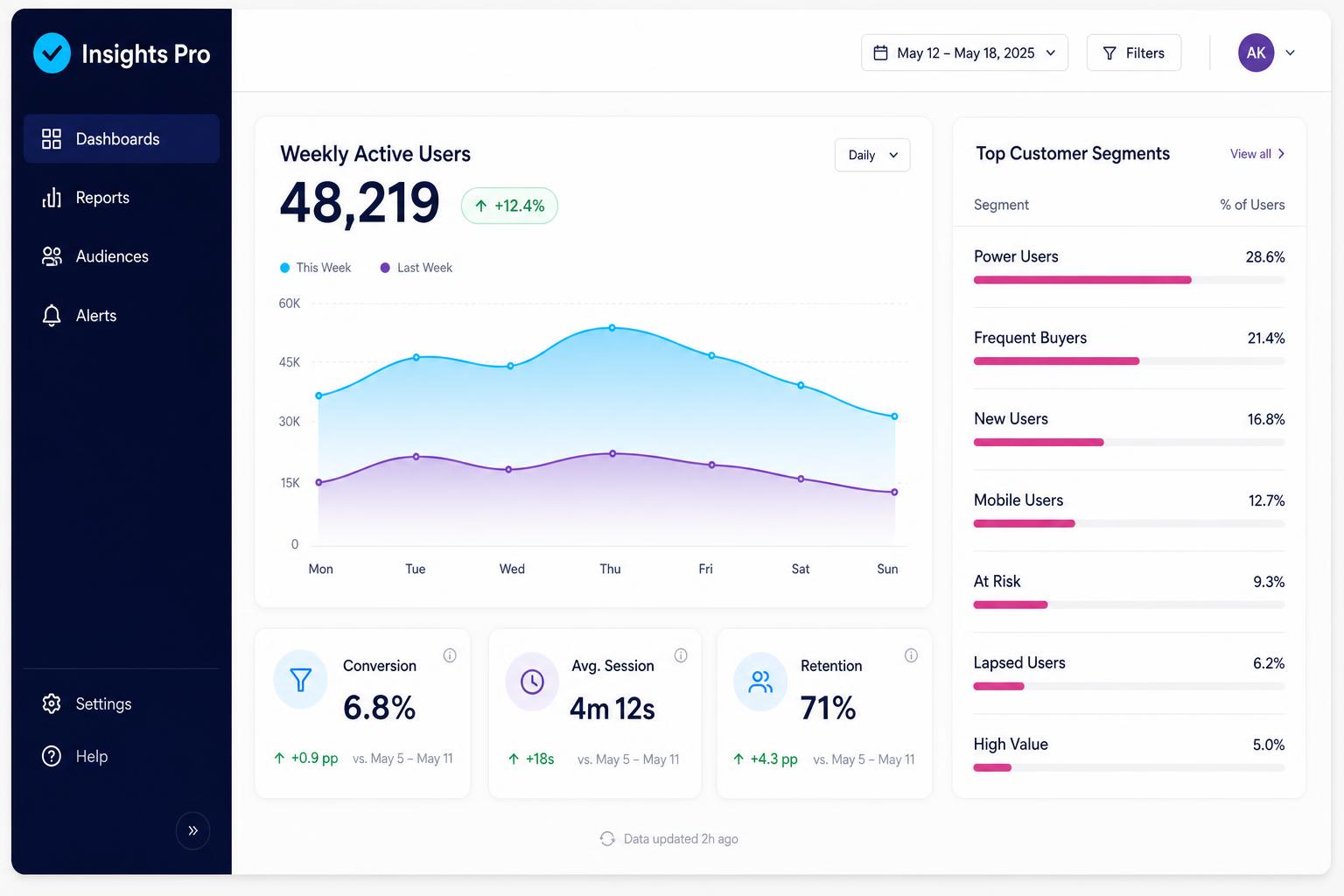
Insights Pro is the analytics layer customers have been asking us for since the day they signed up. Instead of pulling weekly CSVs and rebuilding the same dashboards in spreadsheets, your champions now get live, shareable views inside the product — the kind of view they can take straight to their own leadership without re-formatting anything.
"This is the thing they've been emailing us about for two years. We finally have an answer that isn't an apology."
It auto-provisions on May 27 for every Pro and Enterprise workspace. Starter accounts get an in-product upgrade prompt. From a positioning standpoint, this is a retention and expansion conversation — not a pricing one.
Section updated 2 hours ago
Sales messaging
Position Insights Pro as the wedge that turns a feature conversation into a tier conversation.
"Insights Pro is the analytics layer your buyers have been asking for — live, in-product dashboards their team can share straight to the C-suite. It's bundled into our Pro tier, so it's not a line-item negotiation. For most accounts on Starter today, it's the cleanest reason we've ever given them to move up."
Customer Success messaging
Position Insights Pro as something your accounts already paid for — and make sure they use it before renewal.
"Insights Pro is live in your workspace as of September 3 — no setup, no migration. The fastest way to see the value is to share one live dashboard with your exec sponsor this week. Most teams who do that in the first 30 days renew at noticeably higher rates."
Training
Assets
Open-licensed for internal use. Co-branded versions on request — ping Jordan in #launch-insights-pro.
Deck
The customer-facing pitch. Use end-to-end or pull individual slides.
4.2 MB · Updated May 26
Talking Points
Renewal and expansion framing tailored for existing accounts.
180 KB · Updated May 25
One-Pager
Single-page leave-behind. Co-branded version available on request.
820 KB · Updated May 24
Outbound sequence for Starter accounts. Three-touch cadence.
45 KB · Updated May 22
Battle Card
Competitive angles vs Looker, Mode, and homegrown reporting.
1.1 MB · Updated May 26
Imagery
Eight hero shots, light and dark, ready for decks and emails.
12.4 MB · Updated May 20
Timeline
Internal soft launch
Enablement available to all customer-facing teams.
Training session #1
Live walkthrough with Q&A — recorded and linked above.
External go-liveNow
Auto-provisioned for all Pro accounts. In-product announcement live.
First customer commsNow
Lifecycle email goes out at 9am PT to all eligible workspaces.
Press & external announcement
Blog post, social, and partner channels go live.
Launch retro & feedback deadline
Submit feedback via the form below by EOD.
Past Launches
Need to talk about a previous release? Each launch below has its own brief, messaging, and outcomes — the same format as the one above, so you can pick up where you left off.
Triggers, conditions, and branching — without leaving the canvas.
Rebuilt the automations engine on a new event bus. Cut average run time by 62% and unlocked branching logic customers had been hacking together with webhooks.
Headline result
Adopted by 71% of Pro accounts in 90 days.
One unified inbox for email, chat, and in-app messages.
Consolidated three disconnected message surfaces into one threaded view with shared assignment, snoozing, and SLAs. Set the table for Insights Pro by giving customers a single activity stream worth measuring.
Headline result
Now the #1 most-used surface in the product.
Okta, Azure AD, and Google Workspace — provisioning included.
Shipped SAML SSO with SCIM 2.0 provisioning, unblocking ~40 stalled enterprise deals. Tripled the size of our average new-logo Enterprise contract within two quarters.
Headline result
Unlocked $4.1M ARR in the first two quarters.
Looking for something older? The full launch archive lives in #launch-archive.
Who to ping
General launch channel: #launch-insights-pro
Priya Raman
Product questions · PM, Insights
Jordan Wells
Messaging & positioning · Product Marketing
Ana Beltrán
Customer escalations · Director, CS
Marcus Chen
Technical / engineering · Eng Lead, Insights
Hadley Okafor
Press / external comms · Comms
Got a question?
We read every one. If it's useful, it goes into the FAQ above.